
22 June 2026
The simplest things are often the hardest
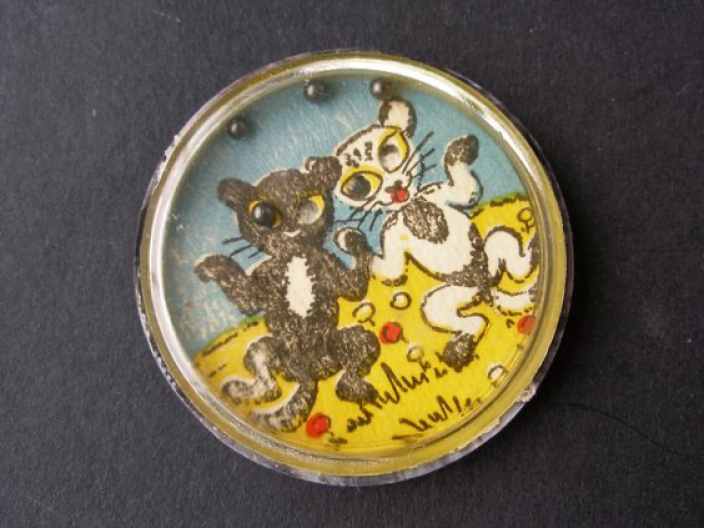
The idea came about when I thought about those small ball-bearing games you would get as a child, perhaps in a Christmas cracker. With the accelerometer that is built into all iPhones, the opportunity arose to bring this simple idea to iOS, the secret was to keep the simplicity of the original game format. This also proved to be the hard part. How do you enable the user to navigate within such a simple app?
Problem statement
We had the concept, based on those childhood games, the iPhone had the technology to enable the tilting physics. How might we recreate the fun of this game whilst keeping it as simple as possible?
Research / Ideation
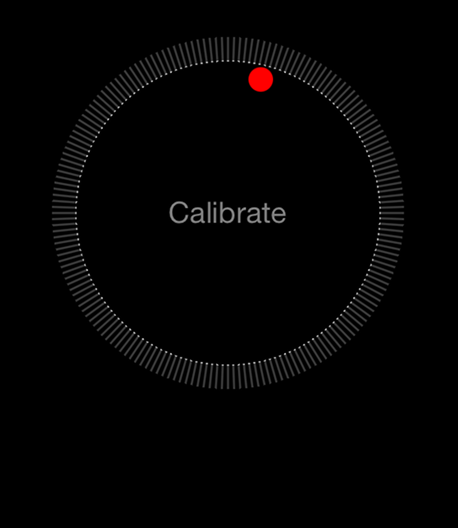
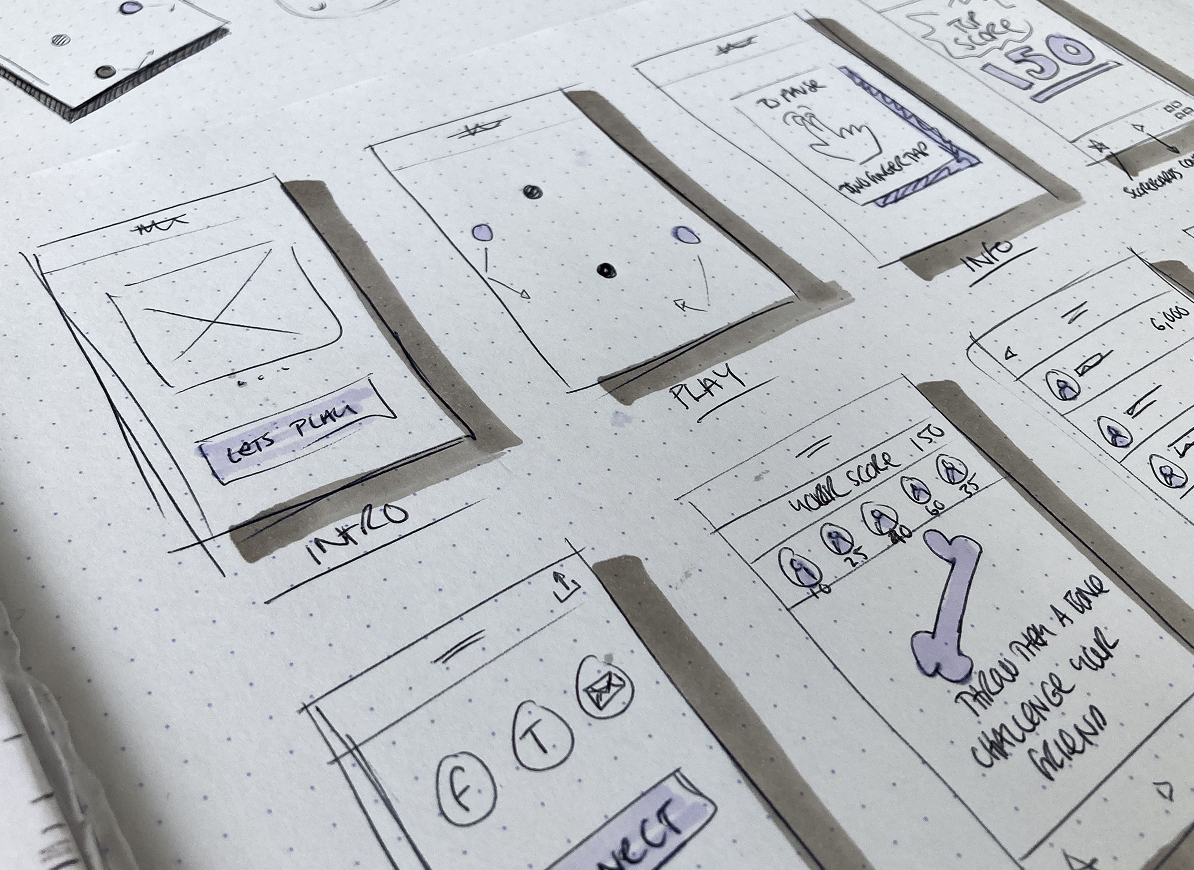
As with any good project, this one started with research and sketches on paper. It was actually the calibration process on the iOS compass that first made me think of those childhood games. Using these items as the starting point, I sketched out a number of ideas on paper for both the game and the name / logo for the product.
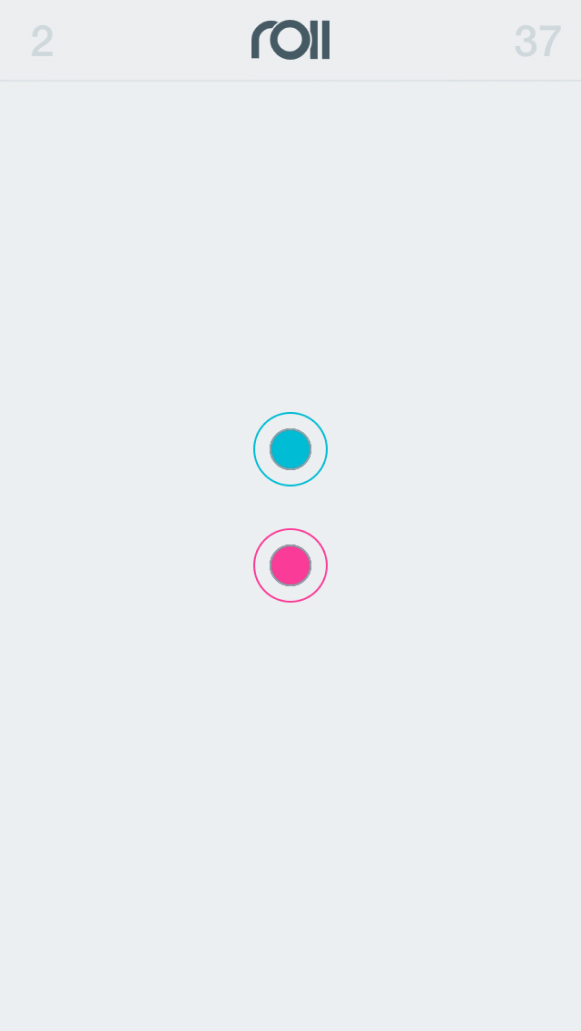
Almost no UI?
We decided we would try to make this as simple as is possible. Yet how do you enable the user to navigate within such a simple app? How can they pause? How do they share their scores, competed with others and understand their progress?
All of these and more had to be somehow packed into the UI, without actually complicating it and taking the beauty away from the simplicity of the game.
We did this by removing as much UI as possible, taking inspiration from Dieter Rams' 10th principle: Good design is as little design as possible
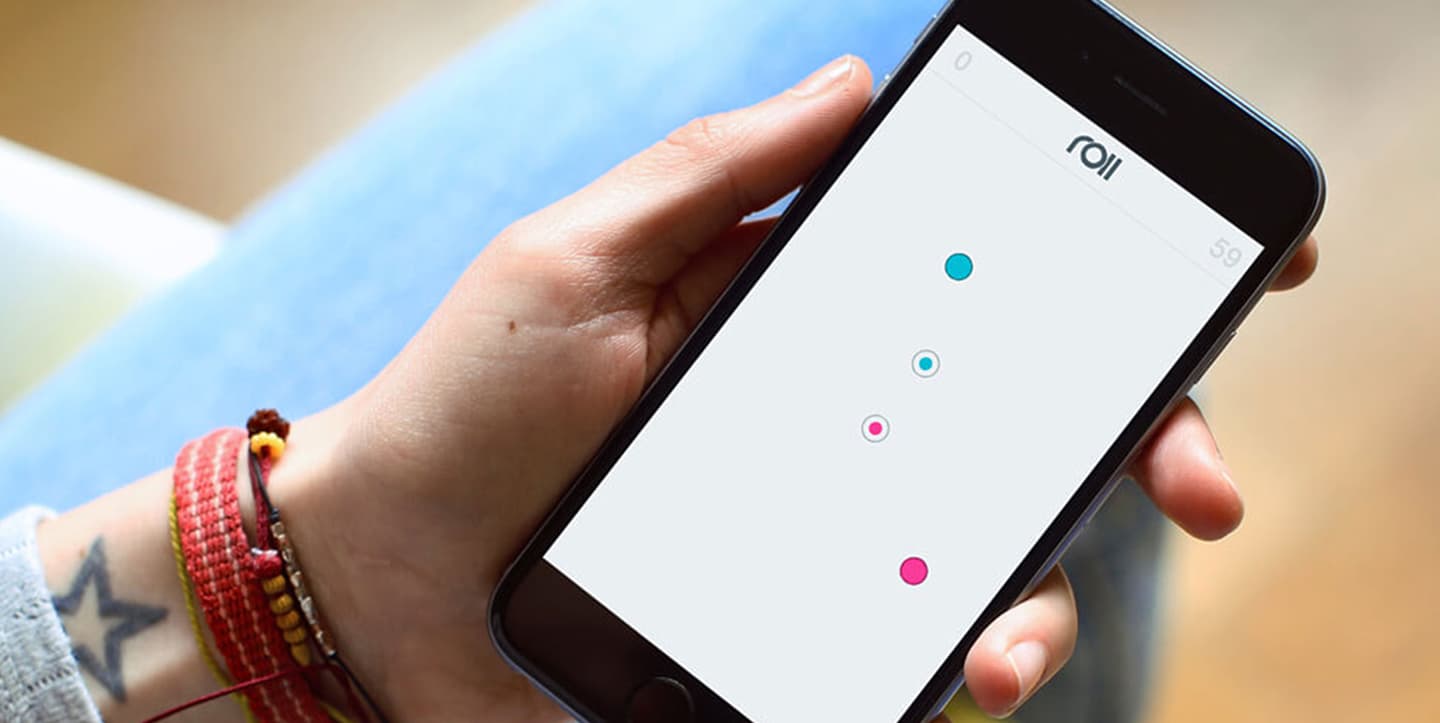
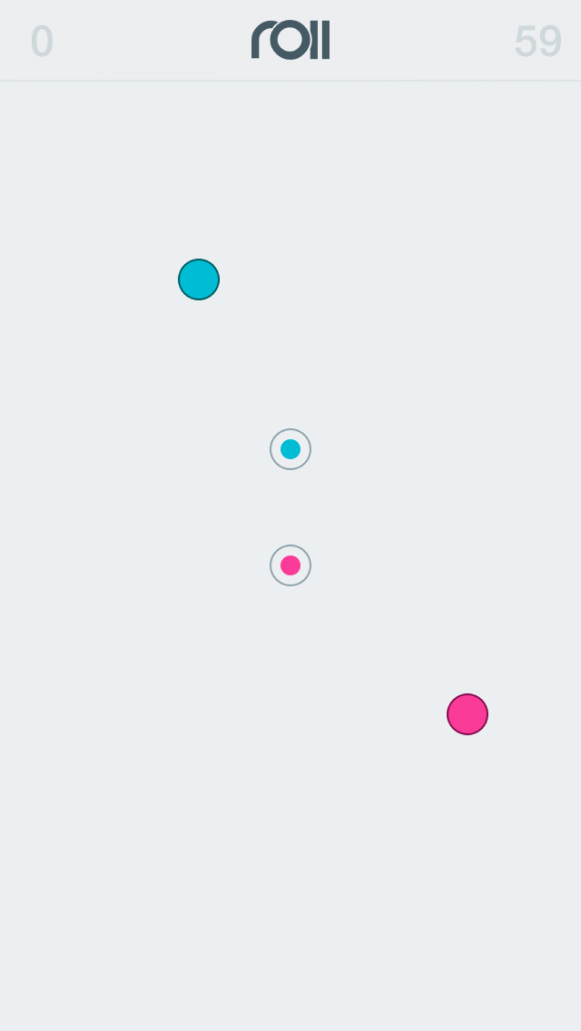
The in-game UI contains only the things the user needs whilst playing:
The game area, with balls and indents
Their score
The timer
All other UI elements are hidden from the view, meaning players are able to fully immerse themselves in the enjoyment of the game.
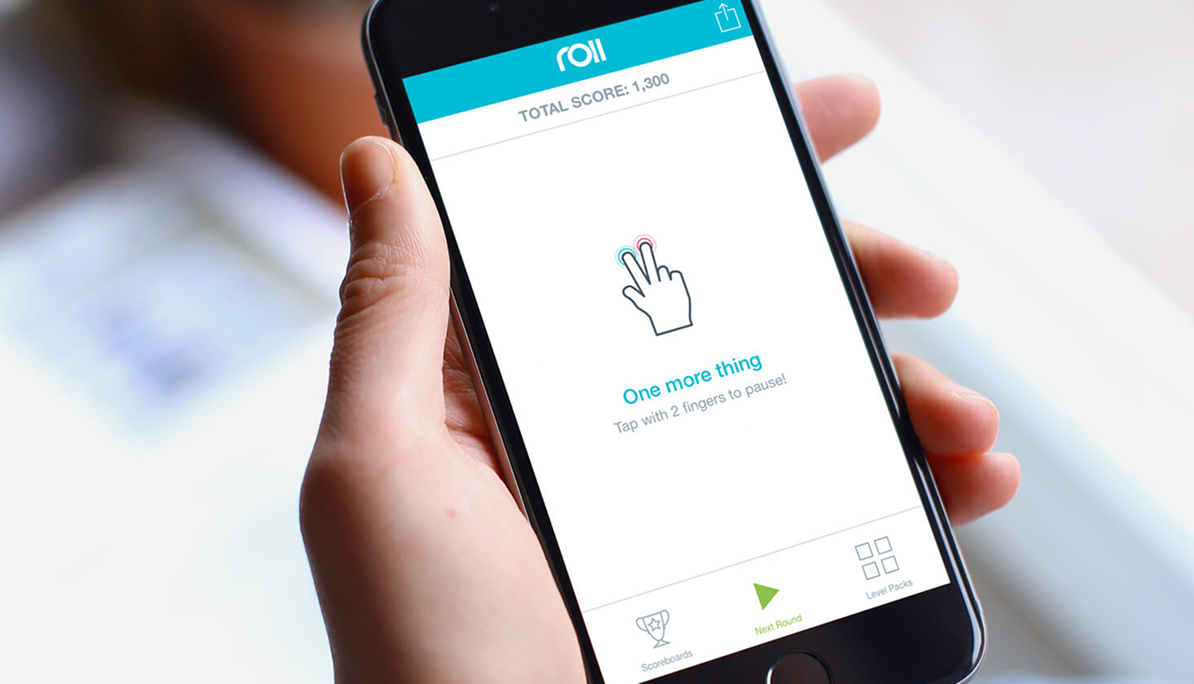
Navigation that does not distract
Additional UI elements and navigation would only show once they had completed a round, or if they paused - which they do, not by tapping a pause button within the UI - but using a 2 finger tap. This was the only other non-UI led interaction within the game, and we would inform the players with a simple introduction during onboarding.
Once the players have completed the round, or when they pause, they are shown a navigation UI with additional information. On pause, the main area is one large button to resume play, with a tab bar below if they wish to move on to another round, view scoreboards or additional level packs.
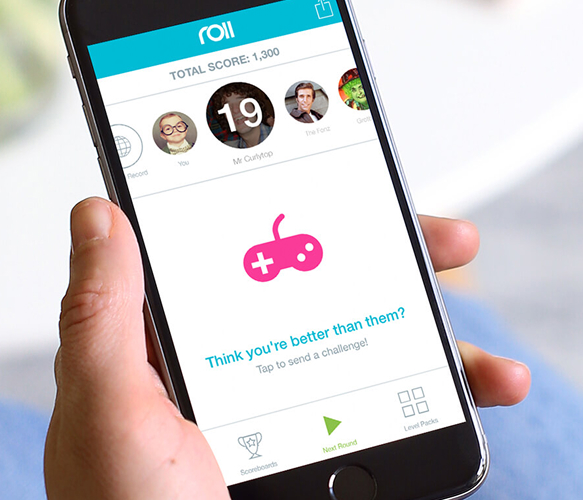
Upon completing a level, they would be shown the score, compared to their friends. This offered an opportunity for them to invite them to play and compete.
Conclusion
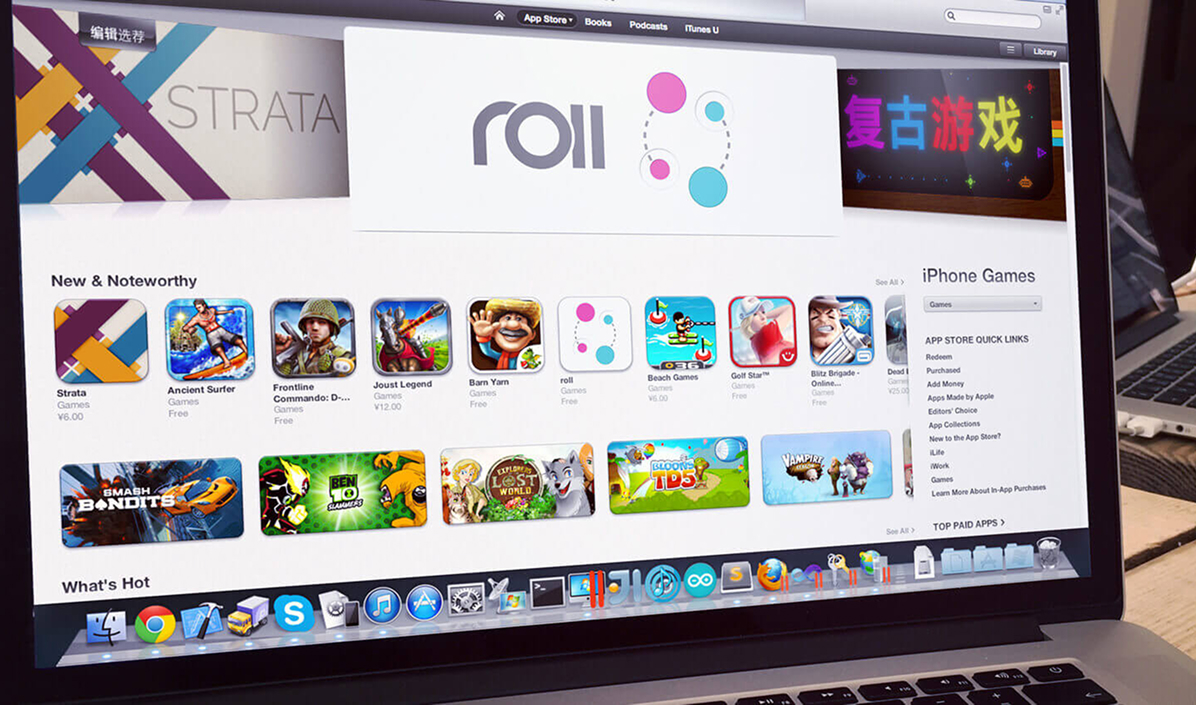
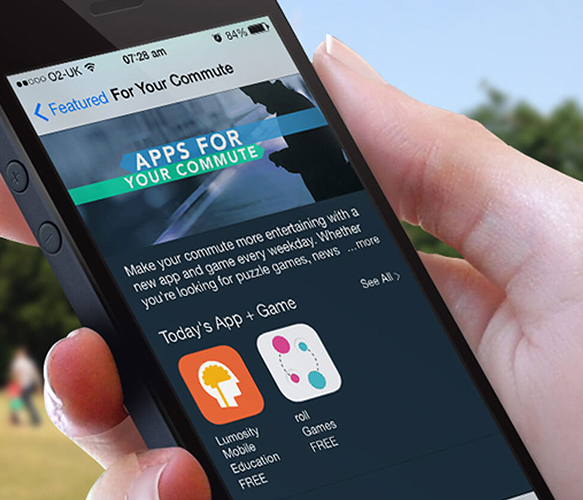
Through continuous testing and iteration, we refined and improved the experience, adding more features whilst keeping the simple origins of the game - which proved to be the hardest part of all. Ensuring that we did not lose that simplicity, whilst catering the player requirements and feedback was one of the trickiest things. Such simplicity is however, something we achieved and the regular promotions by Apple, 5 star reviews and over 1 million downloads 🤯 certainly highlighted that.